In many delivery businesses, dispatch work still depends on a mix of phone calls, spreadsheets, WhatsApp messages, emails, and separate tools. It may work when the team is small and the number of daily jobs is low. But as soon as order volume grows, the cracks start to show.
A customer asks for a price. A dispatcher notes the details. Someone checks driver availability. Another person confirms the collection time. A quote is sent by email. Later, the customer approves it, and the same shipment details are entered again as a live booking. After that, the dispatcher still needs to assign the job to the right driver and keep everyone updated.
None of these steps are difficult on their own. The problem is that they repeat all day.
That is exactly where SaaS automation becomes useful. It does not remove the need for a dispatcher or operations team. Instead, it reduces the repetitive admin work around quoting, booking, assigning, and updating jobs so the team can focus on the deliveries that actually need attention.
The Real Problem Is Not Just Dispatching
When people talk about delivery operations, they often think dispatching is the main challenge. In reality, dispatch is only one part of the workflow.
A delivery job usually moves through several small stages before a driver even receives it. The team may need to collect shipment details, check pricing, confirm customer approval, create the job, allocate the driver, share updates, and finally close the job with proof of delivery.
If these steps are handled manually, delays happen before anyone notices.
For example, a customer might ask for a delivery quote in the morning. The team sends the quote, but the follow-up gets buried in someone’s inbox. By the time the customer confirms, the original details need to be found again. The dispatcher then has to recreate the order, check availability, and assign it manually.
That is not a driver problem. It is a workflow problem.
SaaS automation helps by keeping these steps connected instead of scattered across different systems.
Why Manual Work Slows Delivery Teams Down
Manual delivery workflows usually fail for simple reasons.
Teams rely on memory. Notes live in different places. Customer requirements are not always visible to everyone. A job may be discussed in one tool, priced in another, and dispatched somewhere else.
This creates common problems:
- Quotes are sent but not converted into bookings on time
Shipment details are re-entered multiple times
Drivers wait for assignment instructions
Dispatchers spend too much time checking who is available
Customers chase updates because the system is not connected
Managers have limited visibility into pending jobs
At small scale, people can work around these gaps. At higher volume, the gaps become expensive. The team starts spending more time managing the process than improving the service.
Where SaaS Automation Fits In
SaaS automation is most useful when a business has repeated tasks that follow a clear pattern.
In delivery operations, those patterns are everywhere. A job comes in. A quote may be needed. A booking is created. A driver is assigned. The customer receives updates. The job is completed and recorded.
A good SaaS workflow does not need to automate everything from day one. It only needs to remove the steps that slow the team down most often.
For delivery businesses, that usually means improving two areas first:
How jobs are assigned to drivers
How quotes and draft bookings are managed before dispatch
These two areas create a lot of daily admin work, especially for courier companies, same-day operators, freight teams, and businesses handling customer-specific delivery requests.
Automating Driver Assignment
Driver assignment is one of the most time-sensitive parts of dispatch. When a job is ready, the dispatcher needs to decide which driver should receive it. That decision may depend on location, service area, distance, workload, availability, vehicle type, or customer rules.
When done manually, this becomes slow.
A dispatcher may call one driver, wait for a response, then contact another. If the first driver does not reply, the job sits in the queue. If the wrong driver is selected, the route becomes inefficient or the delivery is delayed.
This is where rule-based job broadcasting can help. Instead of manually contacting drivers one by one, the system can send eligible jobs to selected drivers based on configured rules. Drivers can accept or reject from the mobile app, and the first suitable driver who accepts can be assigned.
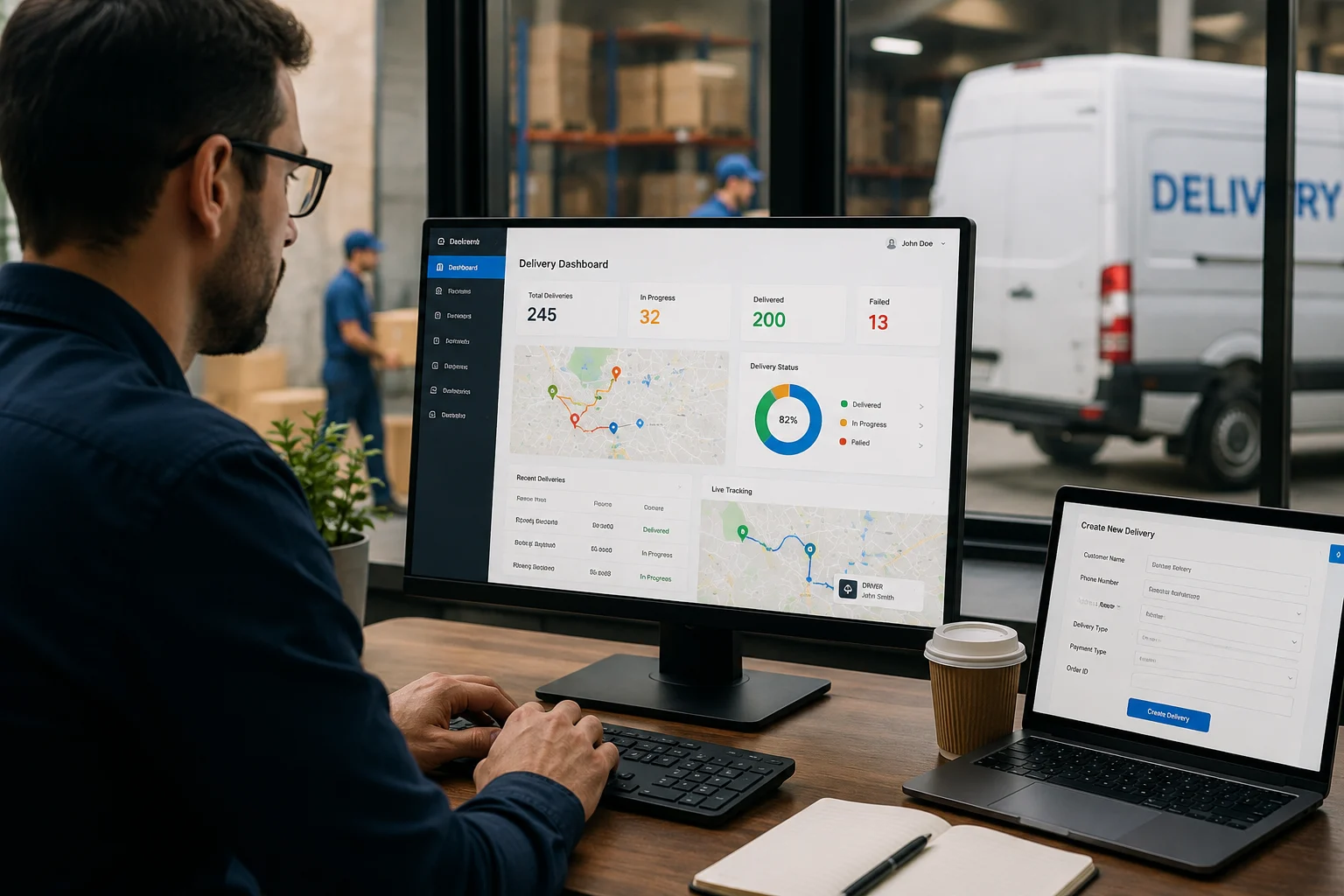
This type of setup is often described as auto dispatch software because it reduces manual driver selection and helps jobs move faster from the dispatch board to the field.
The important point is that automation does not remove control. Dispatchers can still monitor the process, handle exceptions, and step in when needed. The system simply takes care of the repetitive part of offering jobs to eligible drivers.
Why Quotation Management Matters Too
Many delivery delays begin before the job is even booked.
A customer may call and ask, “How much would this delivery cost?” The team checks the details, prepares the quote, sends it, and waits for approval. If the customer agrees later, someone has to turn that quote into a confirmed job.
In a manual workflow, this is where mistakes happen. The original email may be hard to find. A parcel detail may be entered differently. A price may be copied incorrectly. A quote may never be followed up.
For delivery teams that handle frequent price requests, quotation management becomes part of operational efficiency.
Using delivery quotation software allows teams to save shipment details, send customer quotes, and convert approved quotations into confirmed bookings without re-entering the same information.
This helps sales, customer service, and dispatch work from the same record. The customer request is not lost between email and operations. Once the quote is accepted, the job can move forward with cleaner data.
A Practical Example
Imagine a courier business receives a request for two pallets from London to Manchester. The customer has the pickup address and delivery address, but the final parcel weight is still being confirmed.
In a manual process, the team might write the details in a spreadsheet or email thread. Later, when the customer confirms the weight, someone has to search for the original note, update the price, create the order, and pass it to dispatch.
In a connected SaaS workflow, the team can save the job as a draft or quotation. When the customer approves it, the same record can become a confirmed booking. From there, driver assignment can begin using the company’s dispatch rules.
The difference is not dramatic on one job. But across 50, 100, or 500 jobs, it saves hours of repeated admin work.
Connected Systems Beat More Tools
A common mistake is thinking that adding more tools will fix the problem. In reality, too many disconnected tools can make dispatch harder.
One tool may handle quotes. Another may handle drivers. Another may track orders. Another may manage invoices. The team then becomes responsible for moving information between all of them.
That is where errors creep in.
A connected SaaS workflow is more valuable because it keeps each stage linked. The quotation connects to the order. The order connects to dispatch. Dispatch connects to the driver app. Delivery updates connect back to the customer and operations team.
This creates a cleaner record of what happened.
Who requested the quote?
Which price was approved?
When did the job become a booking?
Which driver accepted it?
Was the delivery completed?
When all of this lives in one workflow, the team spends less time searching and more time managing the operation.
What Delivery Teams Should Automate First
The best starting point depends on where the business loses the most time.
For some teams, the first priority is driver assignment. For others, it is quotation handling. Some businesses may need better customer updates or proof of delivery capture before anything else.
A practical order could look like this:
Save draft orders and quotations properly
Convert approved quotes into bookings without retyping
Broadcast eligible jobs to available drivers
Send customer updates automatically
Capture delivery proof through the driver app
Review reports to find delays and bottlenecks
The goal is not to automate everything at once. The goal is to remove the repeated manual steps that slow the team down every day.
Dispatchers Still Matter
Automation should support dispatchers, not replace them.
There will always be urgent jobs, special customers, unusual delivery instructions, failed delivery attempts, traffic problems, and driver issues. These need human judgment.
What automation can do is remove the routine work around normal jobs. If the system handles the standard process, the dispatcher has more time to solve the exceptions.
That is where SaaS automation works best: not as a replacement for operations teams, but as a way to give them better control.
Final Thoughts
Delivery teams do not usually struggle because one person forgot to do something. They struggle because the workflow depends on too many manual handoffs.
A quote becomes an email. An email becomes a spreadsheet row. A spreadsheet row becomes a booking. A booking becomes a driver message. A driver message becomes a delivery update.
Every handoff creates delay.
SaaS automation helps delivery businesses connect these steps. By improving quotation handling, job assignment, and dispatch visibility, teams can reduce manual work and manage delivery operations with fewer mistakes.
For growing courier and logistics companies, the best automation is not the most complicated system. It is the workflow that helps the team move from customer request to confirmed delivery with less rework, clearer records, and better control.