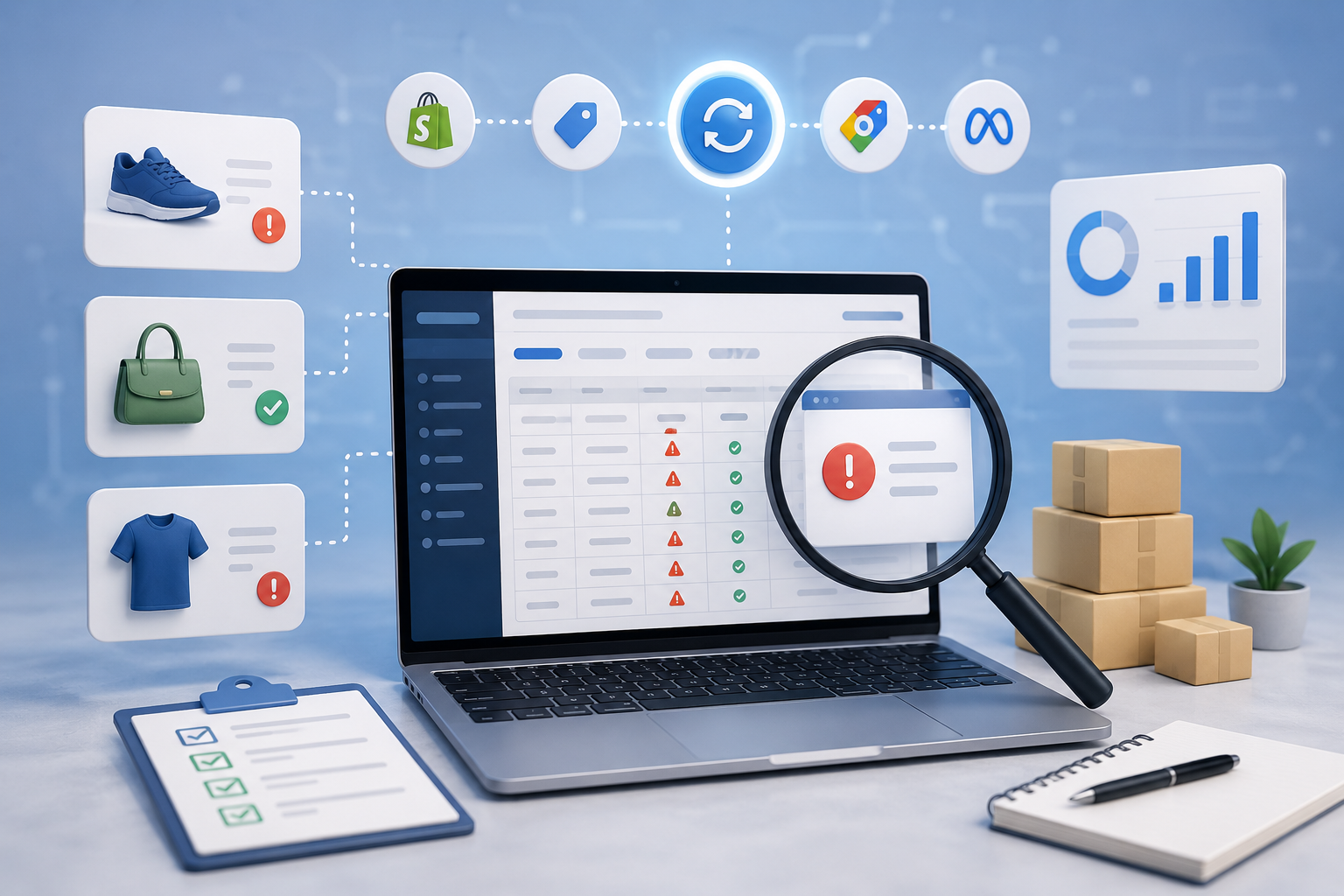
After troubleshooting listing failures across Shopify stores connected to Google Shopping, Meta Commerce, and other marketplaces, we've found that almost every issue falls into one of six categories. Once you identify which category you're dealing with, troubleshooting gets much faster, because you're no longer chasing dozens of unrelated possibilities. Here's each category in detail.
1. Product Data Errors
Product data issues are the most common reason listings fail validation. These happen when required information is missing, incomplete, or doesn't meet a marketplace's formatting requirements.
Common examples include:
- Missing product attributes
- Invalid GTINs or UPCs
- Empty product types
- Missing images
- Incorrect pricing
- Invalid variant information
The mistake many merchants make is assuming every marketplace requires the same product information. They don't. Google Shopping evaluates products differently than Meta Commerce. Amazon has its own attribute requirements, while marketplaces like Walmart or eBay add validation rules depending on product category.
How to Fix Product Data Errors
Start with the product category, not the missing field. That sounds backwards, but it's often the fastest route to a fix. Different categories require different attributes. If a decorative candle gets classified as a cosmetic product, the marketplace may suddenly demand compliance information that has nothing to do with candles. Many sellers spend hours adding attributes that were never supposed to exist in the first place. Correcting the category often makes every 'missing attribute' error disappear automatically.
2. Catalog Structure Errors
Catalog structure problems are harder to spot because individual products often look perfectly normal. The relationships between products are what's broken.
Examples include:
- Duplicate listings
- Broken parent-child relationships
- Incorrect variant grouping
- Duplicate SKUs
- Collection inconsistencies
- Variant relationship failures
These issues frequently show up after bulk imports or migrations from another platform. One incorrect relationship can affect dozens, or even hundreds, of products at once. Instead of editing individual products, inspect how the catalog is organized. Are multiple products sharing the same SKU? Has a parent product been deleted? Are variants assigned correctly? Was a bulk CSV recently imported? Fixing the catalog structure usually resolves every affected listing without touching products individually.
3. Feed and Synchronization Errors
This category causes the most confusion because the product itself isn't necessarily wrong. The problem lives somewhere between your store and the marketplace.
Consider what happens after you press Publish. The product doesn't instantly appear online. It follows a workflow roughly like this: store to feed generator to API to marketplace processing to validation to published listing. Every step is another opportunity for a synchronization failure.
Common causes include:
- Feed generation failures
- Cached marketplace data
- API timeouts
- Connector app issues
- Delayed processing
- Partial synchronizations
One of the biggest misconceptions we run into is merchants saying 'Shopify is broken.' In reality, Shopify often isn't the system rejecting the listing. The rejection usually happens later, during feed processing or marketplace validation. We've repeatedly seen listings stay rejected even after the product data was corrected, simply because Google Merchant Center or Meta Commerce hadn't finished another processing cycle yet. Sometimes patience is part of the troubleshooting process.
4. Marketplace Policy Violations
Not every rejection is technical. Sometimes the marketplace simply doesn't allow the product, or the way it's being presented.
Examples include:
- Restricted products
- Image policy violations
- Advertising claims
- Missing compliance information
- Prohibited keywords
- Brand restrictions
Image rejections illustrate this well. Many merchants immediately increase image resolution or upload higher-quality photos. Quality usually isn't the issue. More often, marketplaces reject images because they include promotional text, watermarks, sale badges, logos, busy lifestyle backgrounds, or other non-compliant compositions. Replacing the image with one that follows marketplace guidelines typically resolves the issue much faster than editing unrelated product information.
5. Account Permission Problems
Sometimes the listing is completely valid. The account isn't.
This category includes:
- Merchant Center suspensions
- Commerce account restrictions
- Domain verification failures
- Brand verification problems
- Missing business information
- Policy review holds
These problems often confuse sellers because only certain products appear affected. Before touching product data, verify that the destination marketplace account itself is healthy. A perfectly optimized listing cannot be published through a suspended Merchant Center account, and missing domain verification can block synchronization even when every product passes validation.
6. Technical Integration Errors
As stores grow, products rarely flow directly from Shopify to a marketplace. Many businesses add ERP systems, warehouse software, inventory management tools, PIM systems, feed optimization platforms, custom middleware, or automation workflows. Each integration becomes another potential failure point.
Inventory synchronization problems are a good example. Many merchants manually adjust stock quantities after noticing discrepancies, and that rarely solves anything. More often, multiple systems are trying to update inventory at the same time. One application writes quantity 25. Another writes quantity 19. The marketplace receives whichever update arrives last. The inventory itself isn't wrong, the systems just disagree about which one owns the truth. Instead of correcting inventory repeatedly, identify which system is authoritative for stock updates. That single discovery often resolves recurring synchronization problems permanently.
A Real Example of Why Error Messages Can Be Misleading
Marketplace validation messages should be treated as clues, not conclusions. A fashion retailer we worked with kept receiving 'Missing Required Attribute' errors. At first glance, the problem seemed obvious, the message suggested required product information was missing. We checked color, material, size, and product descriptions. Every expected attribute was already present.
Hours later, we found the real cause. During a bulk product import, several items had been assigned to the wrong product category, and Google expected a completely different set of compliance attributes as a result. Nothing was actually missing. The category itself had changed. Once the correct categories were restored, every 'Missing Required Attribute' error disappeared without adding a single new product field.
That case changed how we troubleshoot listing failures. We no longer assume the validation message identifies the root cause. Instead, we ask what upstream change could have triggered that validation rule in the first place. That's a far more reliable way to solve marketplace listing problems.